
VPN & online privacy: Browse privately wherever you are
Aura's VPN encrypts your online activities so you can browse, shop, and work safely with just one tap. Plus, with 100+ virtual locations, you can access your favorite global sites and apps with connection speeds that won't slow you down.
Available on:


.png)
.png)
What is a VPN?

A Virtual Private Network (VPN) helps provide safe and private access to the internet. By encrypting your connection, a VPN helps hide your IP address and online activity from spying eyes while keeping your data safe from cybercriminals.
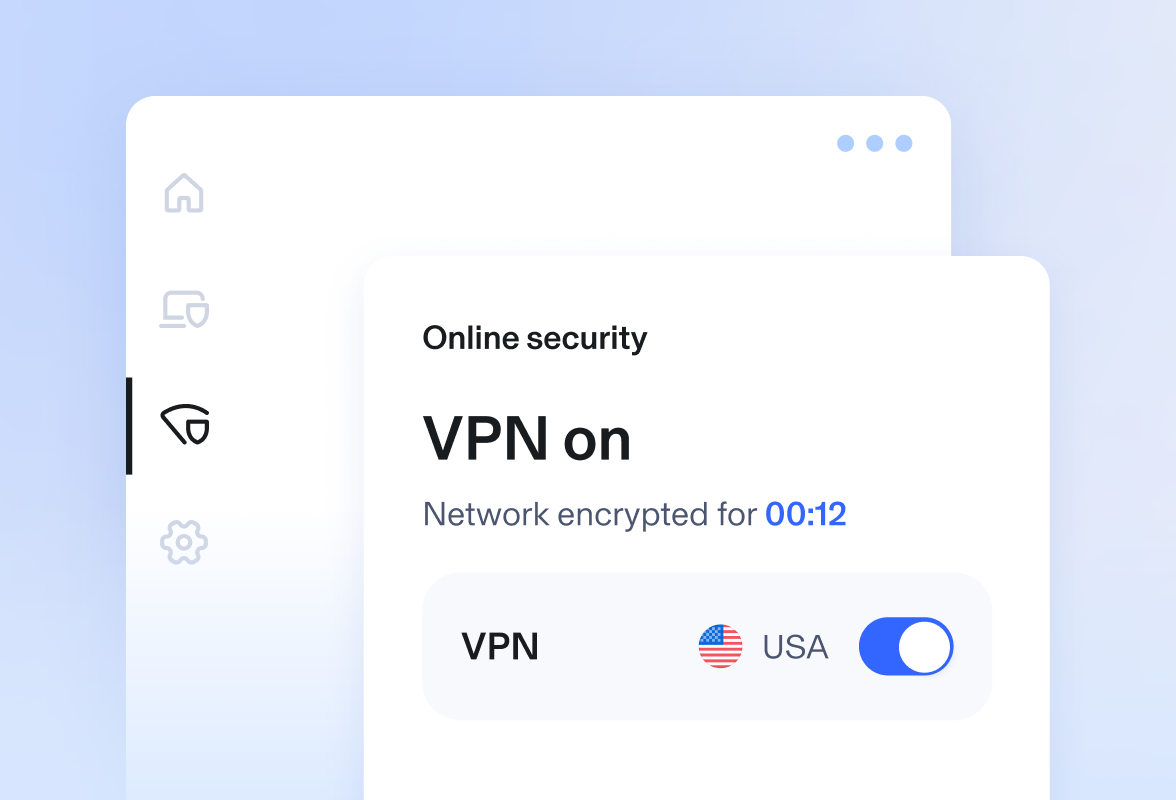
Fast, secure VPN connection
Whether you're getting some work done at the airport or browsing from your hotel room, Aura's VPN protects your online activities with military-grade encryption, shielding your identity and info from hackers and cybercriminals.
Access content from around the world
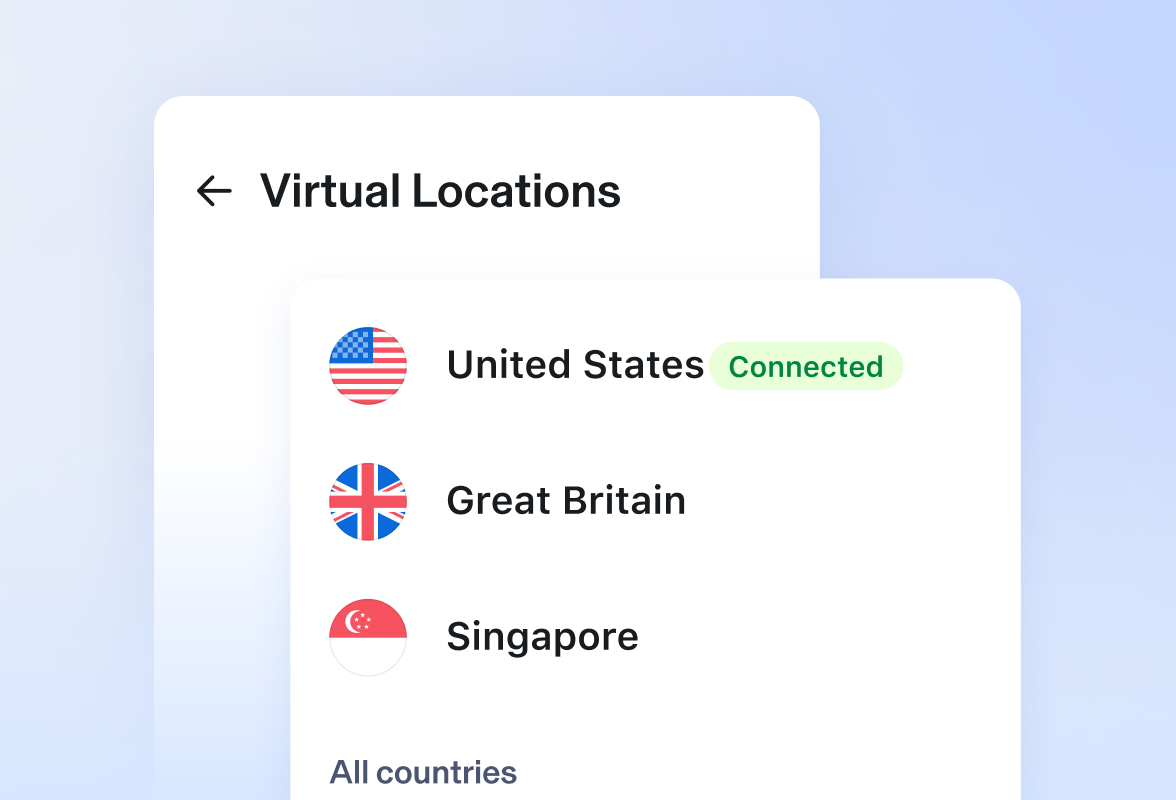
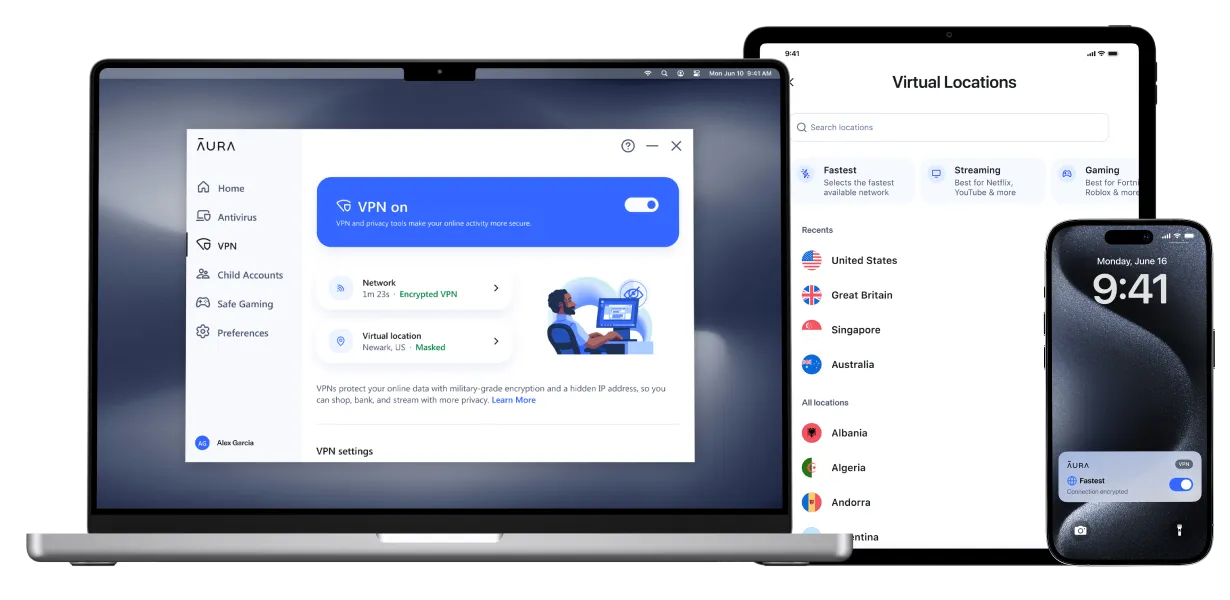
With over 100 virtual locations to choose from, Aura's VPN lets you browse, game, and stream content from all over the world, securely and privately, no matter where you are.
Block phishing and scam sites
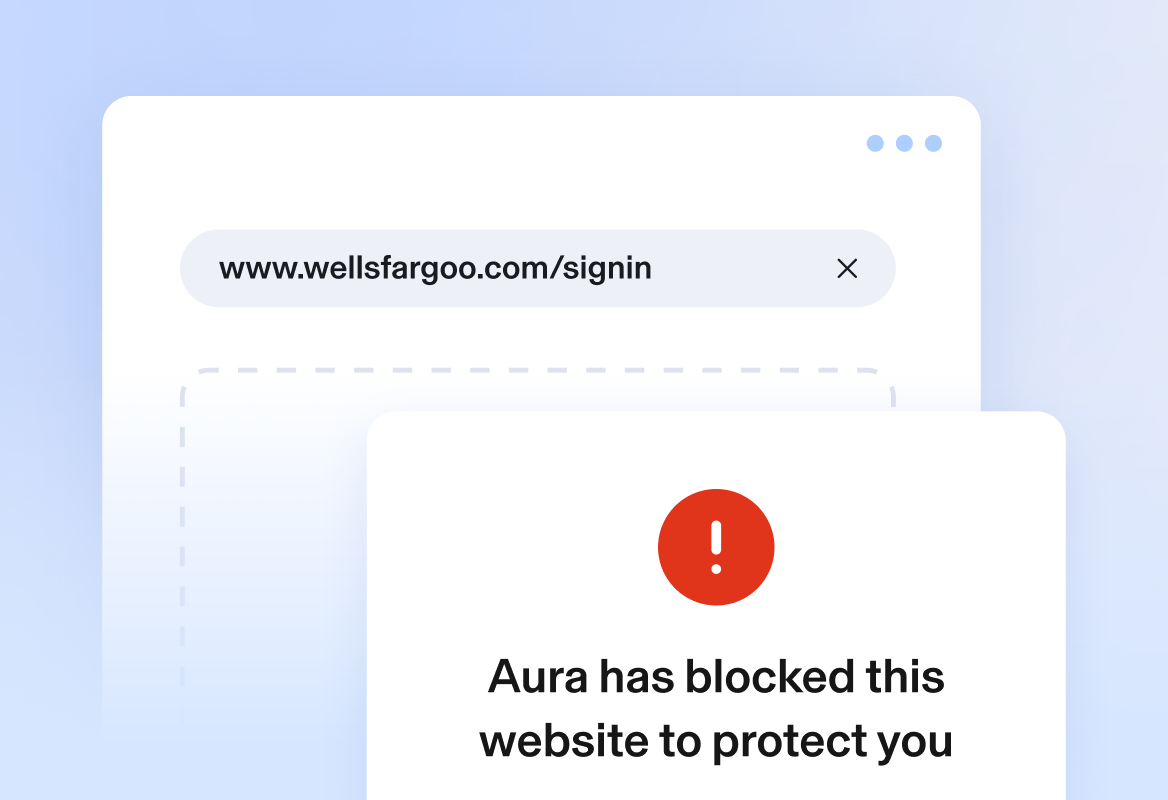
Aura’s VPN provides powerful protection every time you go online. It not only encrypts your internet activity to keep it private, but also blocks known scam and phishing websites—helping you avoid data theft and malware infections.
Automatic protection if VPN drops
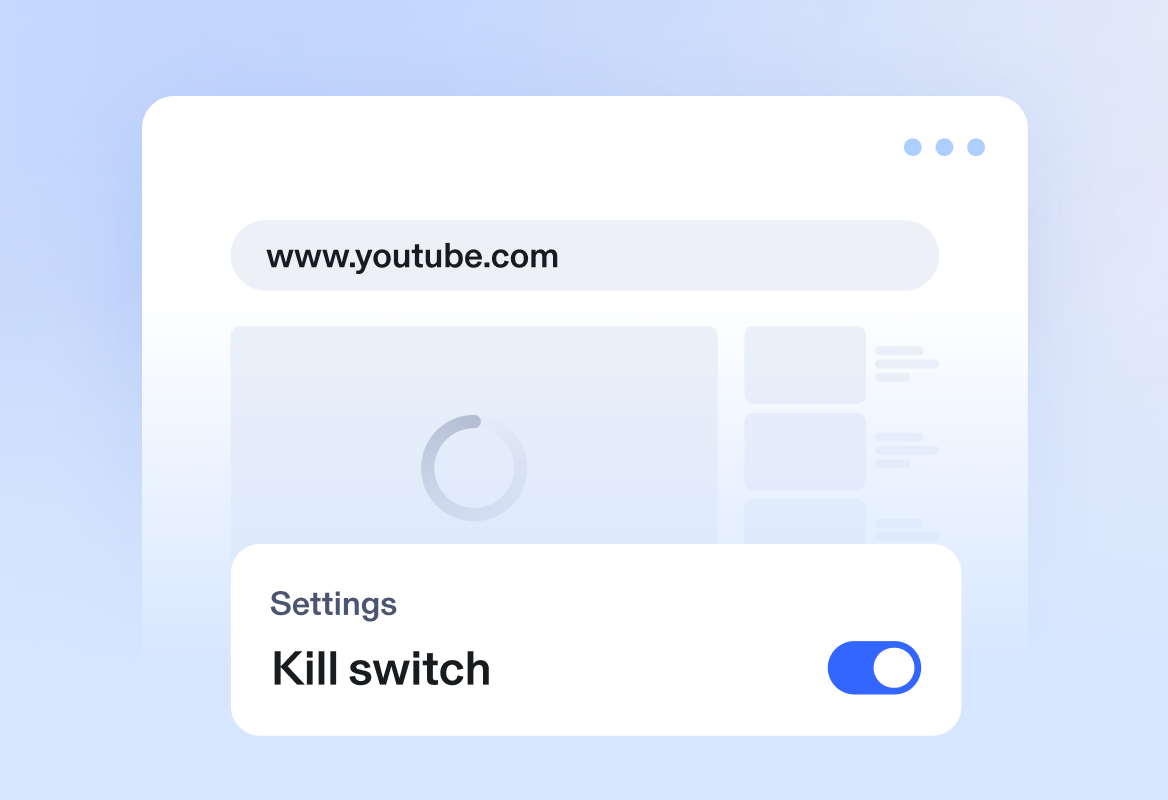
Worried about connection drops? Aura’s Kill Switch automatically cuts your internet if the VPN disconnects to help protect your data from accidental exposure. It’s extra peace of mind, even on public Wi-Fi.
You’re in control
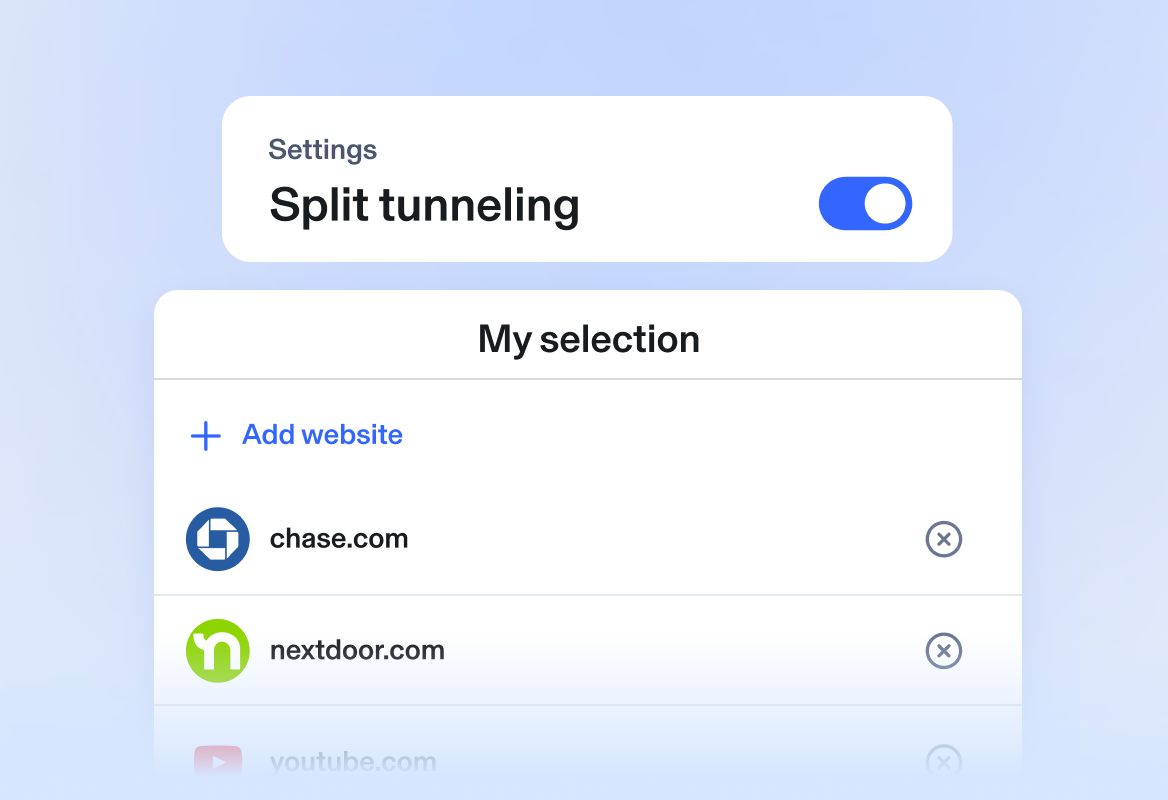
Aura’s VPN now includes Split Tunneling, a feature that allows you to choose which websites go through the VPN. This allows for greater control over your browsing experience. For example, maybe you only want the extra VPN encryption for when you’re banking versus streaming videos.
Aura plans come with:

$1,000,000 ID Theft Insurance*

24/7/365 Customer Support

60-Day Money-back Guarantee2
Frequently asked questions
What is a VPN?
Every Aura plan comes with a premium VPN solution (virtual private network) that protects your privacy online with military-grade encryption. Hide your IP address and surf the internet with confidence. Use your mobile device (iPhone or Android) to shop, bank, and enjoy your favorite online social media apps and streaming services (such as Netflix, YouTube and more) while keeping hackers at bay. We recommend turning on the VPN when you’re connected to public WiFi networks, like hotel or coffee shop WiFi, to keep your online activities private and secure.
Call us at 844-939-3681 to learn more about online security features included in our plans.
How to use a VPN?
Aura makes it easy to protect your online privacy at home or on the go. Download the Aura desktop or mobile app and activate the VPN with just one tap.
What virtual locations come with Aura’s VPN?
Aura VPN comes with over 100 virtual locations to choose from, with over 20+ virtual locations for the US alone. Access global content safety and privately wherever you are. Available on iOS, Android, Windows and Mac. See the full list.
Which devices can I install Aura VPN on?
Aura VPN is available on either the Aura desktop app (Windows, Mac) or Aura mobile app (Android, iOS).
System Requirements for Windows
- Operating System: Windows 10 or later
- Hard Drive Space: 5GB of free space
System Requirements for Mac
- Operating System: macOS 12 (Monterey) or later
- Hard Drive Space: 1GB of free space
System Requirements for Android
- Operating System: Android 12.0 or later
System Requirements for iOS
- Operating System: iOS 16.0 or later
What is the Aura VPN Kill Switch?
- The Kill Switch protects against sensitive information being exposed if the Virtual Private Network (VPN) connection is lost or interrupted. A VPN Kill Switch is a security feature that activates when the VPN tunnel begins connecting, before the secure connection is fully established.
- Once enabled, the Kill Switch blocks all network traffic outside of the VPN tunnel, with a few exceptions:
- Local network traffic: A separate module manages local traffic, allowing communication within the local environment (such as accessing printers or other devices).
- Bypassed processes and domains: Certain processes or domains that have been explicitly allowed through user-defined rules are permitted to connect directly.
- Please note: The VPN Kill Switch feature may not be available with all plans. If you would like to add it to your plan, please contact us.
What is the Aura VPN Split Tunneling feature?
- Split tunneling lets you choose which websites use the VPN and which do not. This feature is helpful in two main ways:
- It can help save battery life.
- It lets you access local content on certain apps while the VPN stays active.
- You can manage split tunneling through your VPN settings.
- Please note: The VPN Split Tunnel feature may not be available with all plans. If you would like to add it to your plan, please contact us.