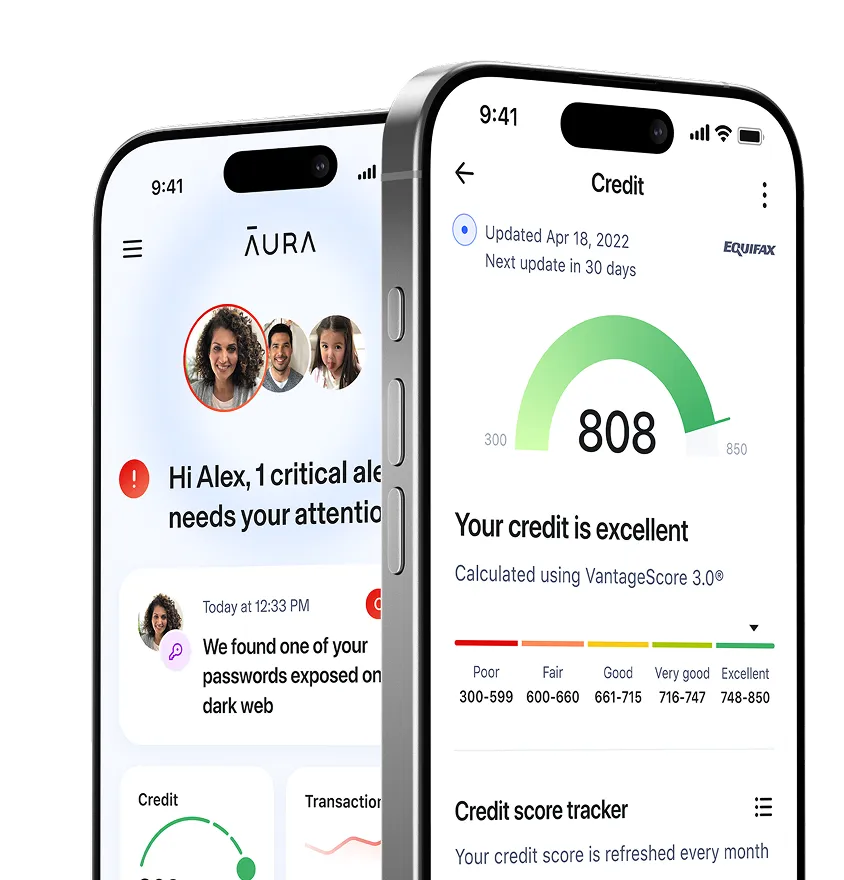
Aura’s Call Protection — AI-powered spam call blocker
Aura’s Call Protection uses AI to block scam calls, telemarketers, and annoying robocalls:
- Block scams and spam with AI-powered Call Protection
- Automatically send spam texts to your junk folder
- Maintain privacy with data broker removal, VPN, and more
- Part of Aura’s award-winning all-in-one online safety app
Available on: iOS and Android
Spam text protection only available on iOS

.svg)
.svg)

How Aura’s Call Protection works
Aura combines spam blocking, call filtering, and device security all in one place:
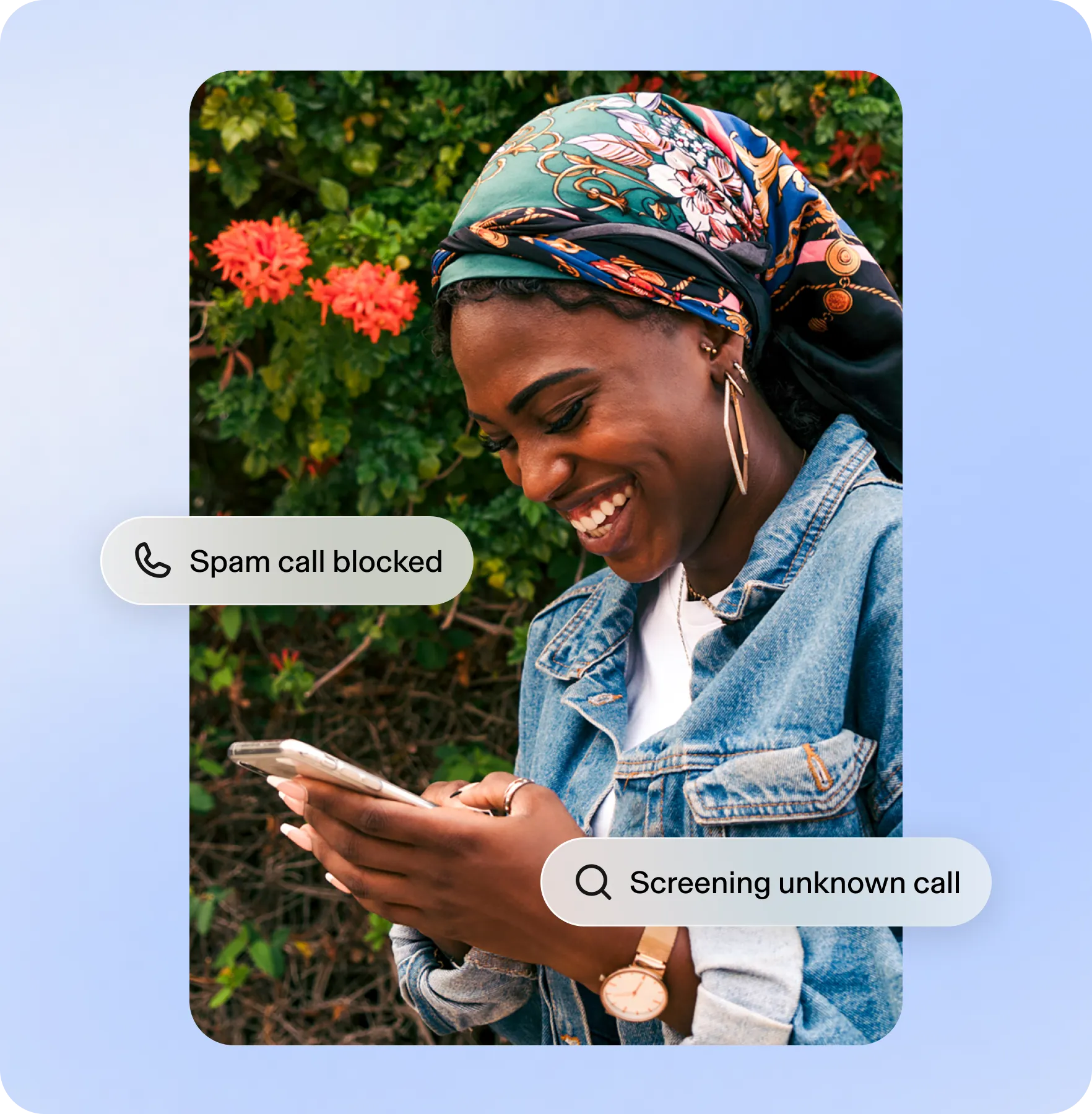
Block
Once enabled, Aura’s built-in call filter uses industry-leading spam lists to stop spam calls in real time and prevent scammers from getting through to you.
.png)
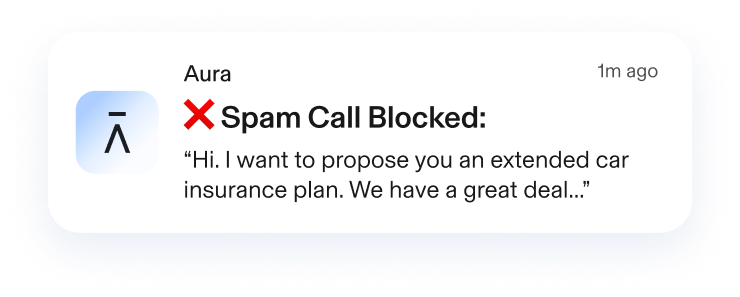
Screen
If scammers get past Aura’s block list, our AI-powered Call Protection will answer and screen unknown callers and spoofed numbers.
Approve
Call Protection provides a summary of its conversation on your lock screen so you won't miss appointments, deliveries, and emergencies.
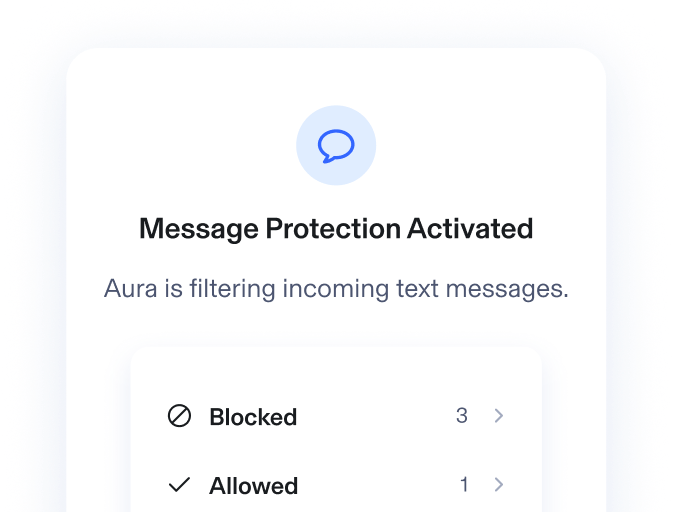
Protect
Aura also protects you against scam and spam text messages by scanning for known scammers and blocking harmful phishing links.
.png)
.png)
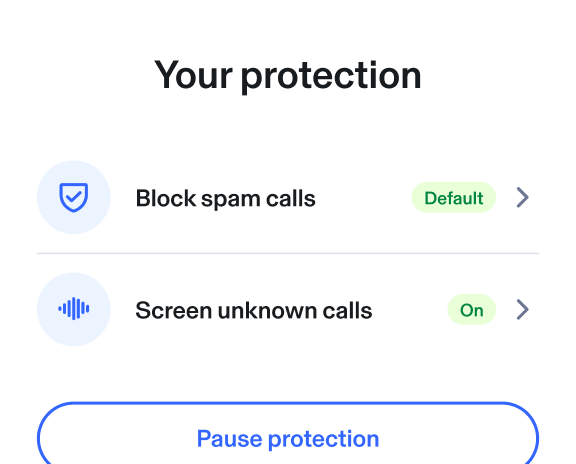
Get only the calls you want
Fine tune your level of protection — from blocking only known spam numbers to answering all unknown callers on your behalf. Waiting on an important call? Easily pause Aura to let it come through.
Spam and scam calls are a billion-dollar problem
Spam and scam calls are more than just an annoyance. Since 2024, the FBI has warned of a surge in AI-powered scam calls and texts.
Choose your protection plan — Free for 14 days

Add Aura’s Scam Protection features to your plan
Scam Protection features can be added to any Aura free trial by visiting your Membership Center or by calling 833-412-8725.
- Connect unlimited emails
- Block spam and marketing emails
- Screen emails for scams and phishing using AI
- Works on Gmail, iCloud, Outlook, AOL, and Yahoo
Spam & Scam Call Protection
- Screen unknown callers using AI
- Block spam, scams, and robocalls
- Works across iOS and Android devices
Included on the Family plan
- Coverage against losses from cybercrime, extortion, cryptocurrency crimes, and data loss
- $50,000 annual limit ($205,000 over the life of the policy)
Compare Aura to other scam protection services
Aura does more than block spam calls and texts. See how Aura’s all-in-one plans provide stronger protection than the competition.
 = Available on the Family plan or as an add-on by calling 833-412-8725


Our comparison methodology combines ratings and reviews from third-party professional and consumer review sources as of March 2026. This comparison does not solely reflect Aura's subjective opinions, tests, or experiences.
Trusted by experts. Committed to excellence.


Frequently asked questions
Why am I getting so many spam calls and texts?
There are several reasons why you might be receiving a larger number of spam calls and texts, including:
- Data brokers sold your contact details. Data brokers and people search sites scrape personal details and sell them to anyone, from marketers to spammers and scammers. Privacy Rights identified more than 750 data brokers in the U.S. alone.
- Your phone number was leaked in a data breach. The Identity Theft Resource Center (ITRC) identified 222 data breaches that contained phone numbers in 2025.
- You accidentally answered spam calls in the past. Spam callers use robocalls and auto-diallers to target massive lists of phone numbers at a time. If you answer these calls, your phone number gets tagged as “active” and becomes a higher-priority target.
- Your details are available on social media. Many social media sites ask for your phone number when signing up, but not everyone realizes that these numbers become public. Fraudsters can scrape sites for contact details.
How does Aura’s Call Protection work?
Aura blocks spam calls by checking incoming calls and unknown numbers against up-to-date spam records. If enabled, Aura’s AI-powered Call Protection will then screen any calls that aren’t immediately blocked to make sure you only receive legitimate calls.
When Aura connects you with an unknown call, you’ll get a summary of the screening results on your lock screen. This allows you to make an informed decision about whether to pick up.
You can also pause Call Protection for a set period of time when you’re expecting calls from unknown numbers.
Aura’s multi-layered call screening helps to eliminate scams, phishing, and other unwanted calls. Calls from people on your cellphone’s contact list are never blocked or screened.
Call Protection is part of Aura’s all-in-one online safety tool, which includes identity theft and credit protection, mobile security, automatic data broker removal, 24/7 U.S.-based support, and at least $1 million in identity theft insurance.
Does Aura’s spam call protection block unwanted texts?
Yes. Spam call protection includes spam message protection (for iOS devices only). Aura protects you from harmful text messages by filtering out known spam numbers and scanning links in the message for phishing scams and malware. Potentially harmful messages will be placed in your junk folder.
What devices does Aura’s Spam Call Protection work on?
Spam Call Protection is available through the Aura mobile app on iOS and Android. Spam Message Protection is only available on iOS.
What carriers support Aura’s Spam Call Protection?
Spam blocking and AI-powered call screening are available on AT&T, T-Mobile, Verizon, Xfinity, Mint Mobile, Cricket Wireless, Spectrum, TracFone, Visible, and Really.
Many mobile phone carriers also offer their own spam protection services. For example, AT&T ActiveArmor®, Verizon Call Filter, and T-Mobile Scam Shield.
For landlines and home phones, there are third-party services that can help block robocalls and scam callers.
Aura will also automatically add your phone number to the National Do Not Call Registry when you activate our data removal service.
How do I sign up for Aura’s Spam Call Protection?
Spam Call Protection is included with all Family plans and can be added to Individual and Couple plans.
To sign up for Spam Call Protection, call our team at 833-412-8725. Alternatively, you can add Call Protection to your plan on both the Aura mobile app and website:
To add Call Protection in the Aura mobile phone app:
- Open the Aura app and log in
- Tap the menu icon in the top-left corner
- Under Me, tap Call Protection
- Tap Upgrade
- Follow the on-screen instructions to complete the upgrade
To add Call Protection from the Aura website:
- Log in to your Aura account
- In the top navigation, select My Protection or Me
- Click Call Protection
- Select Upgrade now and complete checkout
If you don’t see the option to upgrade or are having issues, contact Aura’s customer support team.
What should I do if I accidentally answer a scam call?
Hackers are constantly finding new ways to trick victims into answering their calls. For example, using spoofing technology to fool your caller ID into displaying a legitimate phone number or organization name.
If you accidentally answer one of these calls, follow these steps to stay safe:
- Don’t provide information. As soon as someone calls you and asks for information, that’s a red flag. Don’t provide or confirm your name, address, or sensitive information, such as your banking details or Social Security number (SSN).
- Hang up. Get off the phone as quickly as possible to avoid accidentally giving out information.
- Block the number. You can use your phone’s built-in tools to block specific numbers. Follow this guide to learn how to block numbers on iPhones and Android devices.
- Call the company or organization being impersonated. If someone calls claiming to be from a company or government organization, confirm that the phone call is legitimate by calling back using the organization’s official phone number.
- If you gave out payment details, contact your bank. Ask to speak to your financial institution’s fraud department and explain that your accounts or cards may be compromised.
- If you gave out personal information, file an identity theft report. You can file an official identity theft affidavit with the Federal Trade Commission (FTC) at www.identitytheft.gov. This is an important step in proving your innocence and disputing identity fraud.
- Submit a complaint to the FCC. If you received unwanted calls or prerecorded messages from telemarketers, you can submit a complaint to the FCC online.
Stop scams before they reach you
Start your 14-day free Aura trial. For help with signing up, call our team at 833-412-8725.